
Welcome to the Codie Blocks Universe!
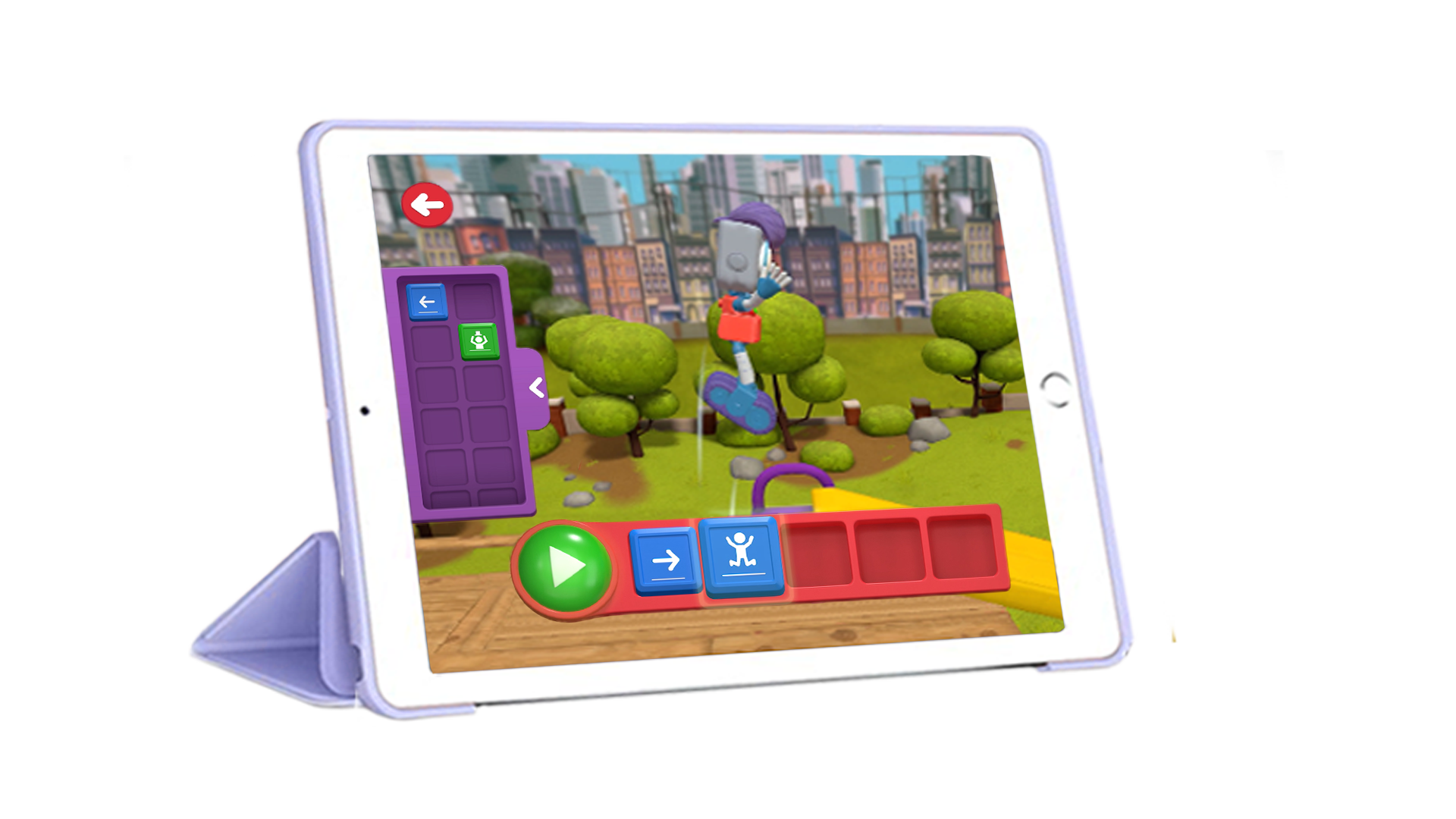
App
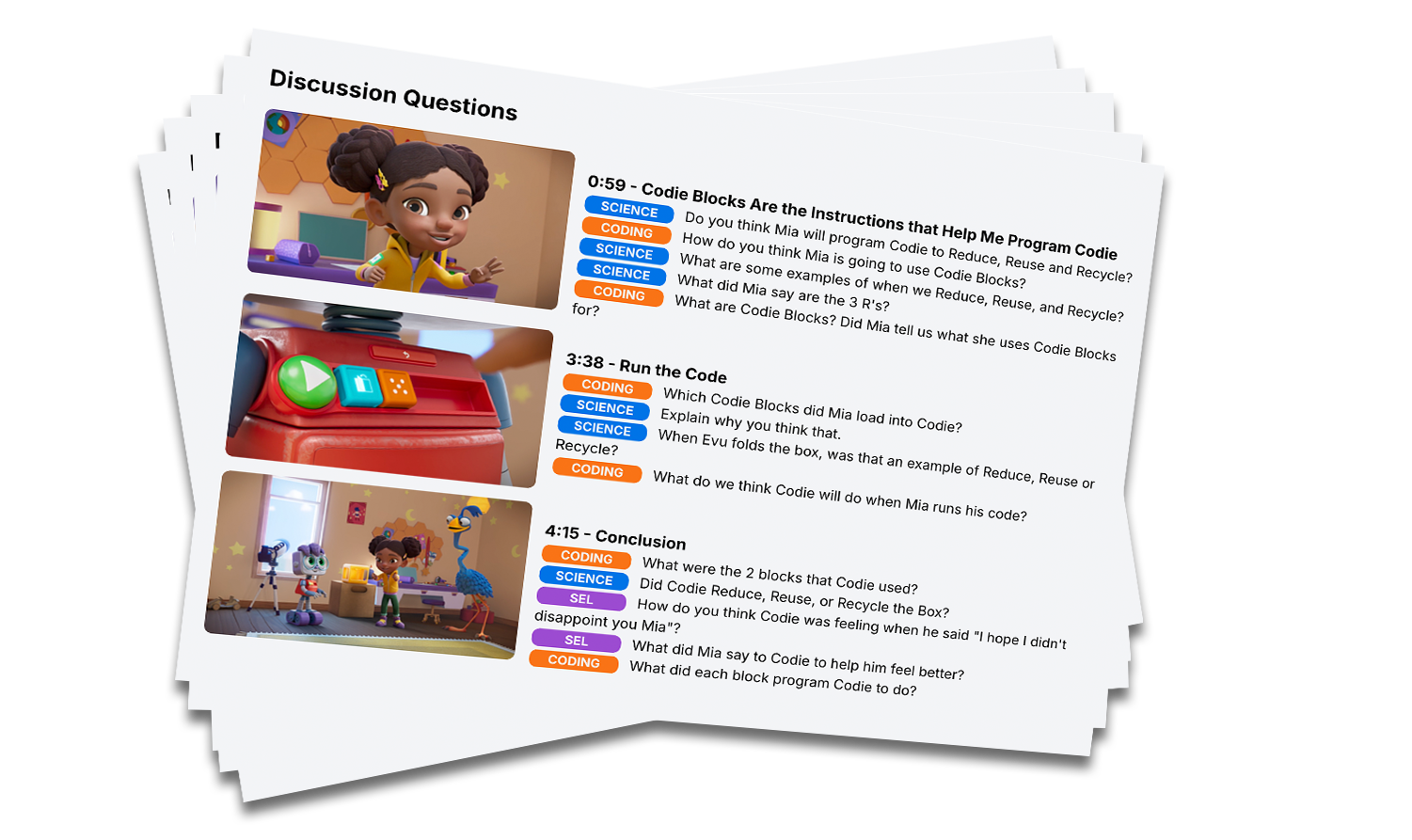
Discussion Questions
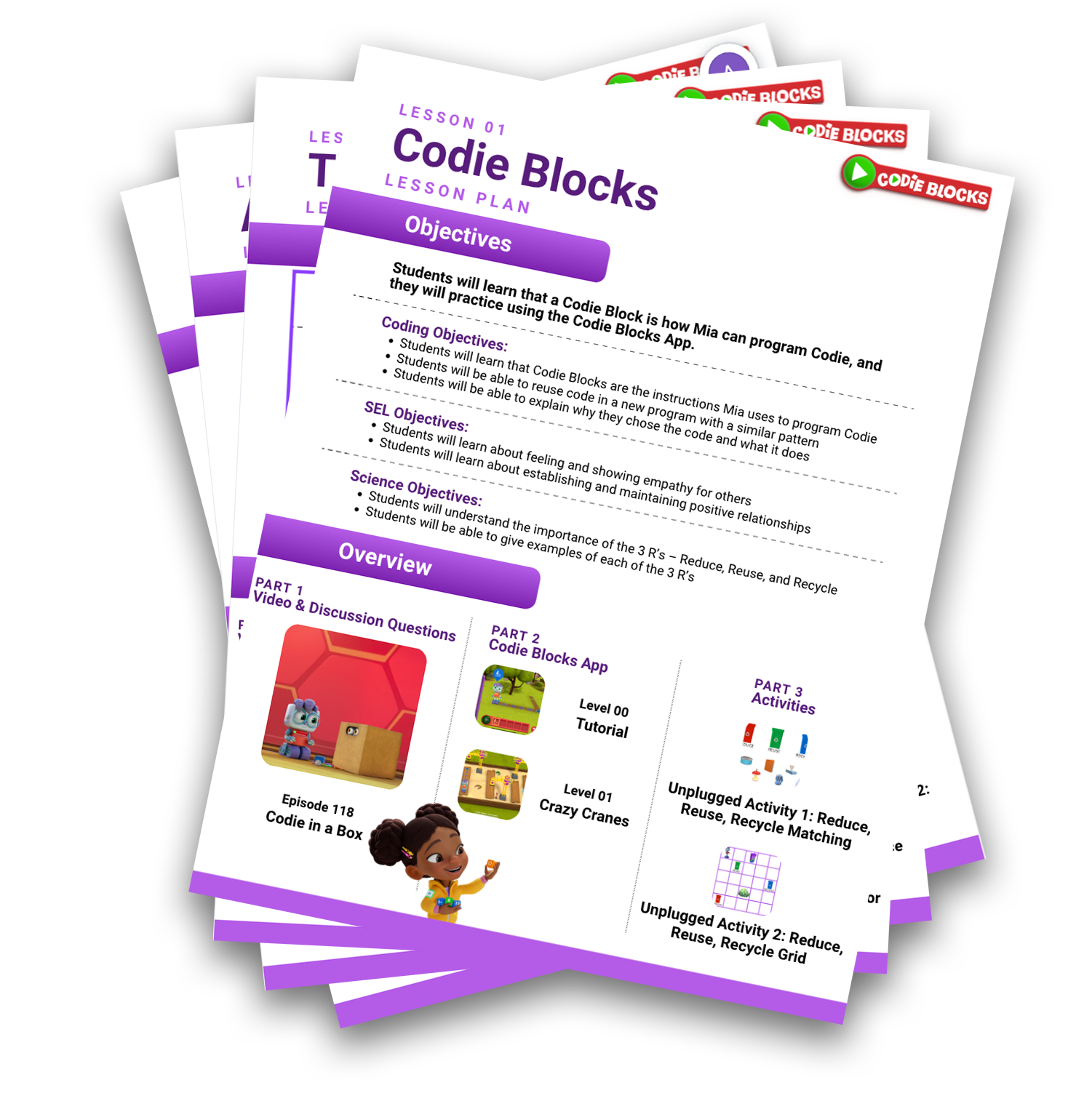
Lesson Plans
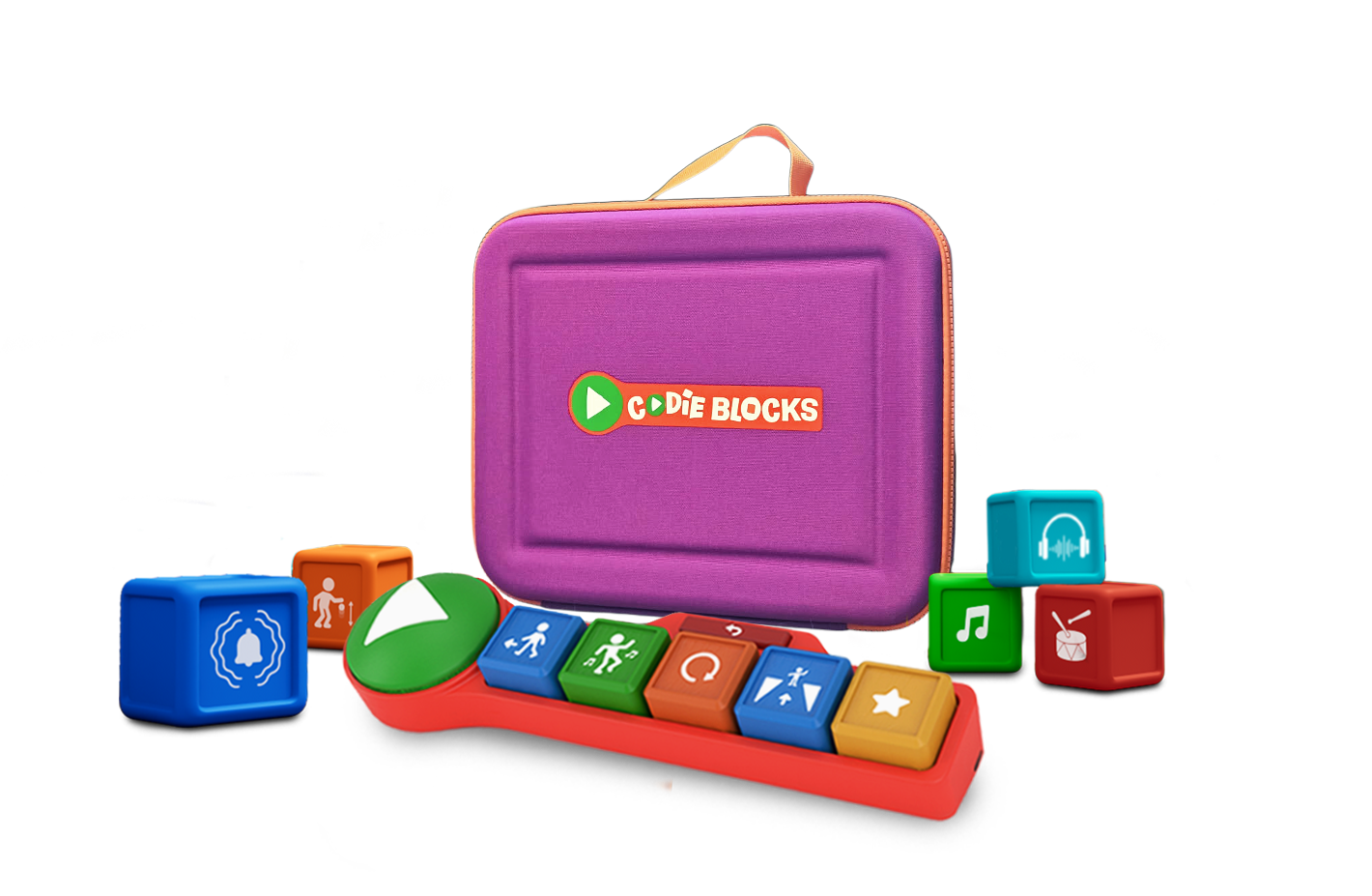
Hands-on Play
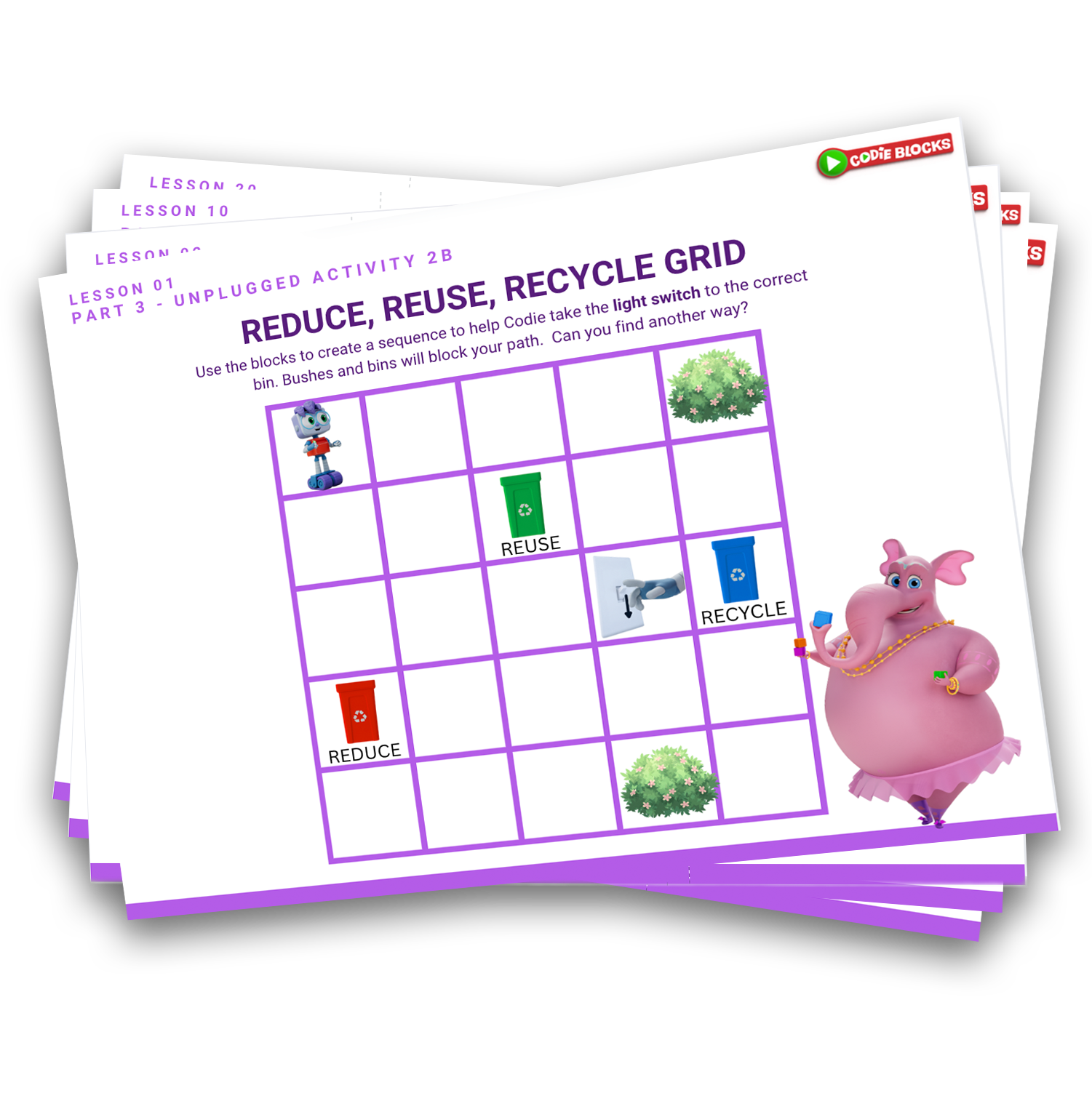
Unplugged Activities
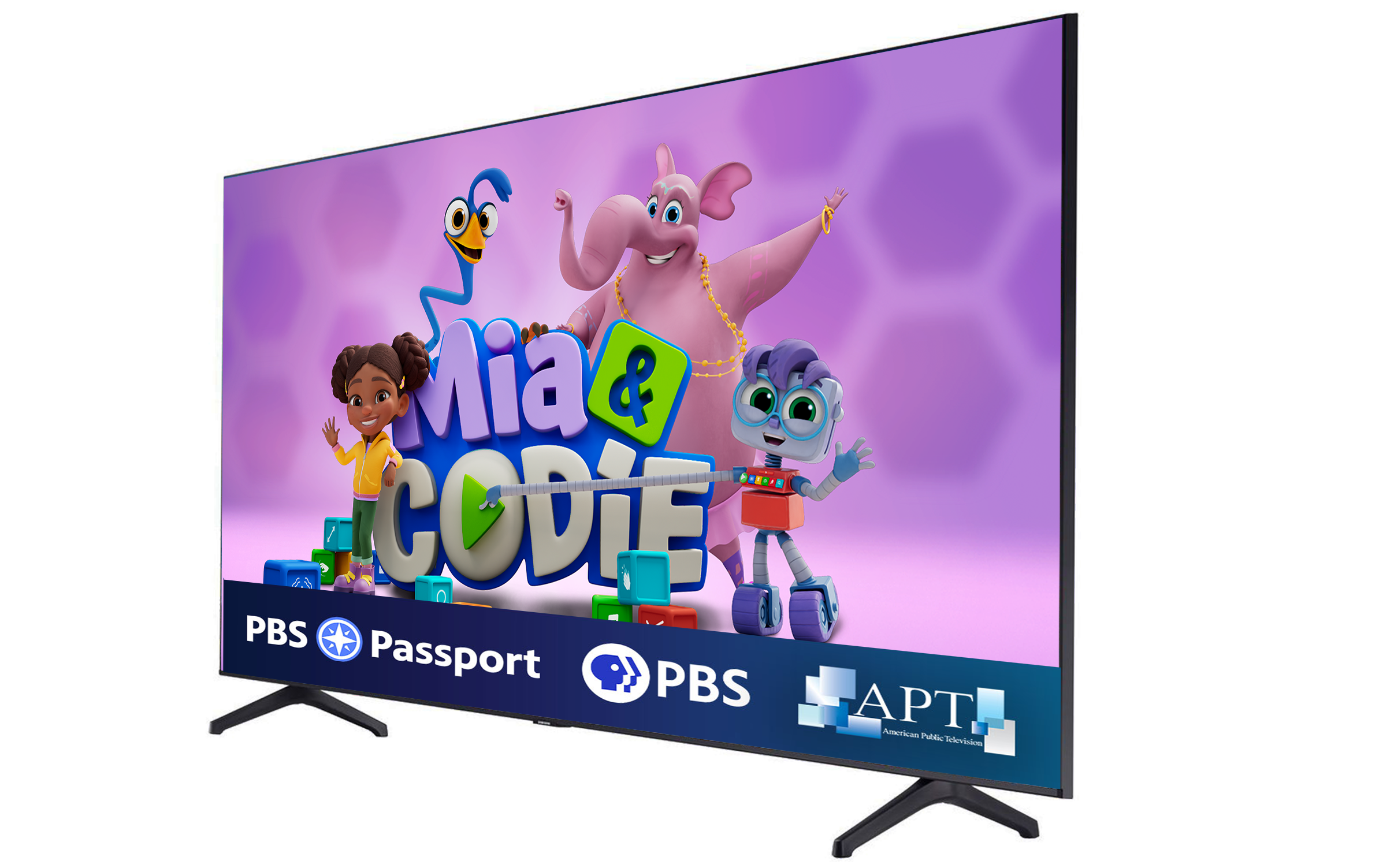
Video Lessons
Download the app, connect your block dock, and let the fun (and learning) begin!
Download the App
Setting up your Dock-n-Blocks
Connecting the Dock-n-Blocks
Step 1: Log Into a Student Account by Clicking on the Student's icon
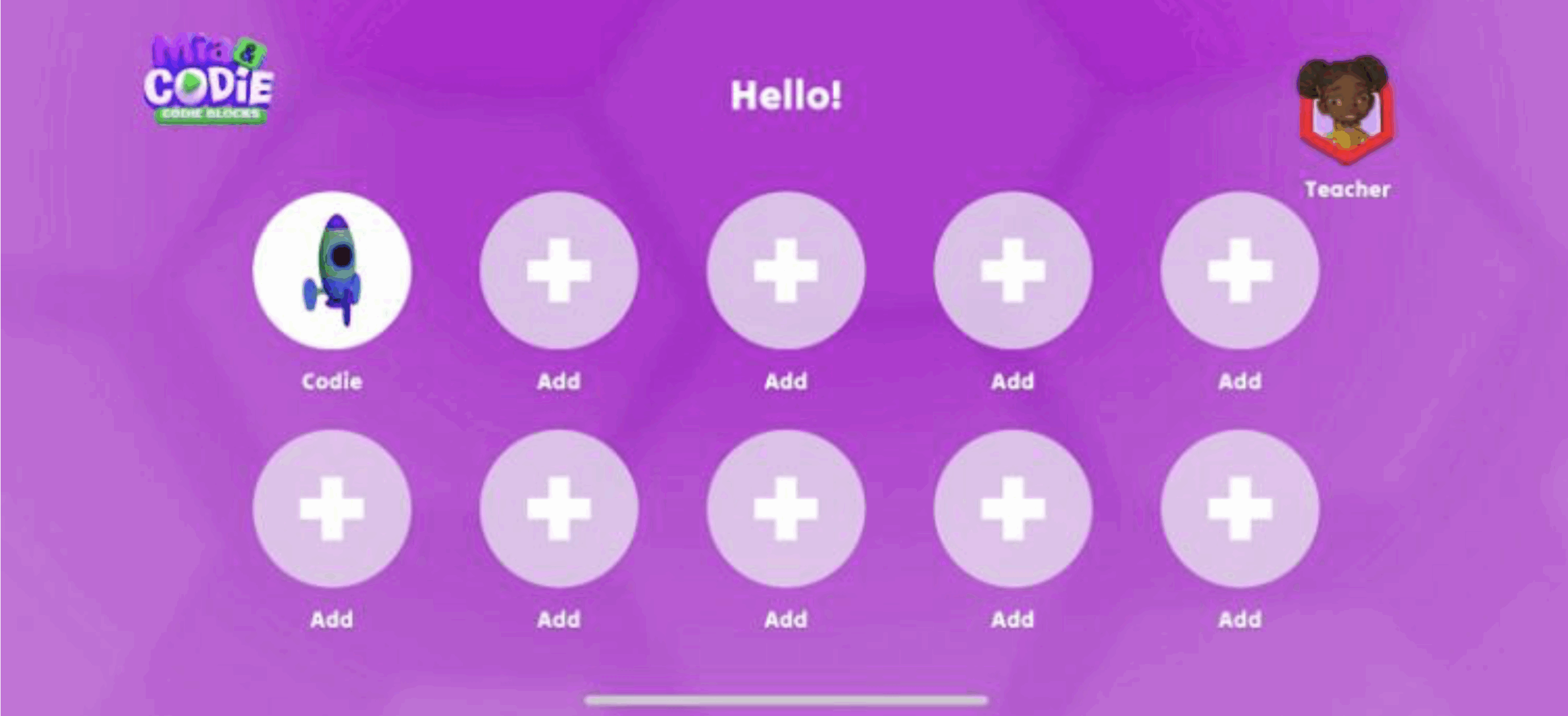
If you just downloaded the App, you will need to create a Student Account by clicking the + icon
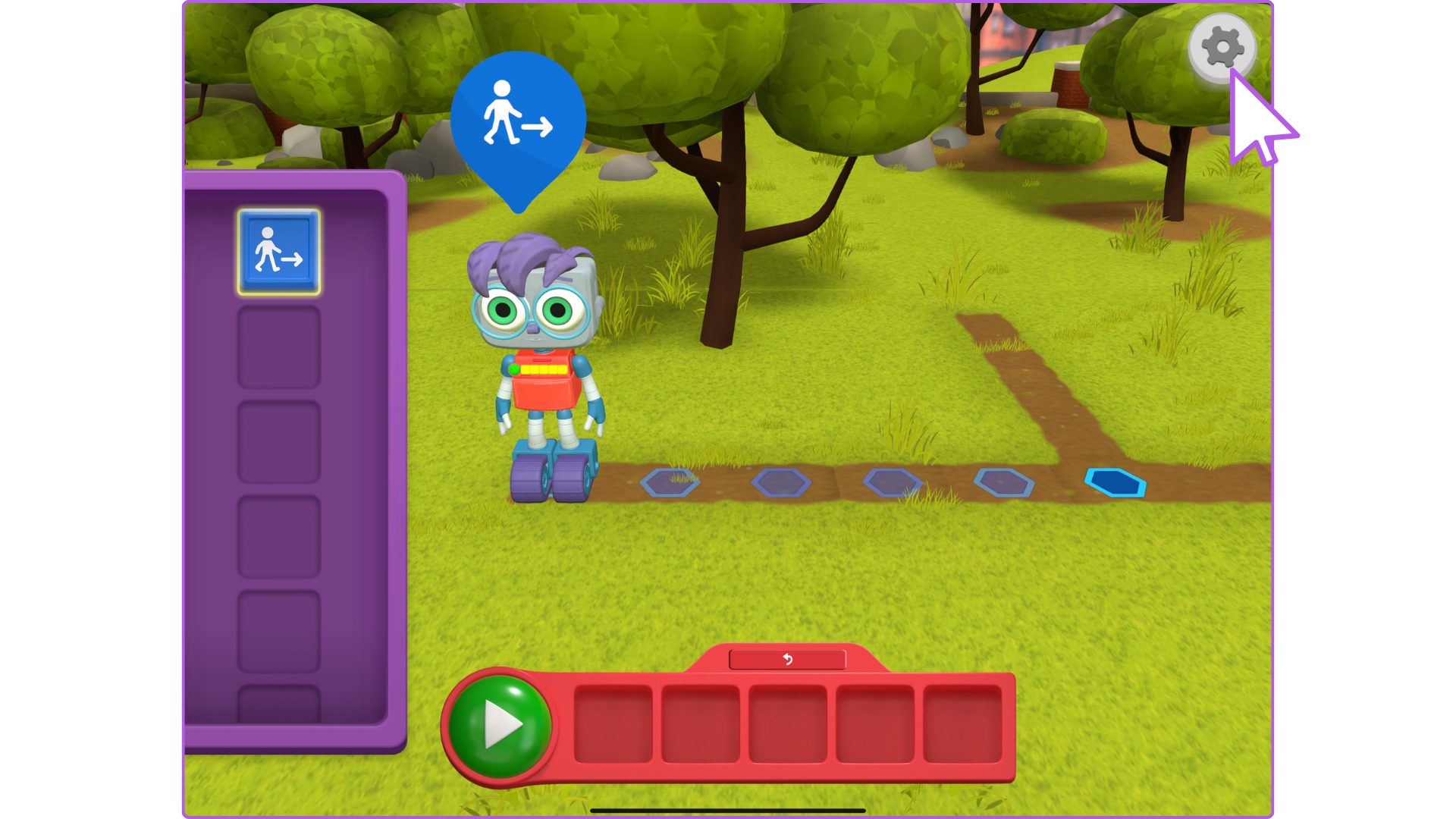
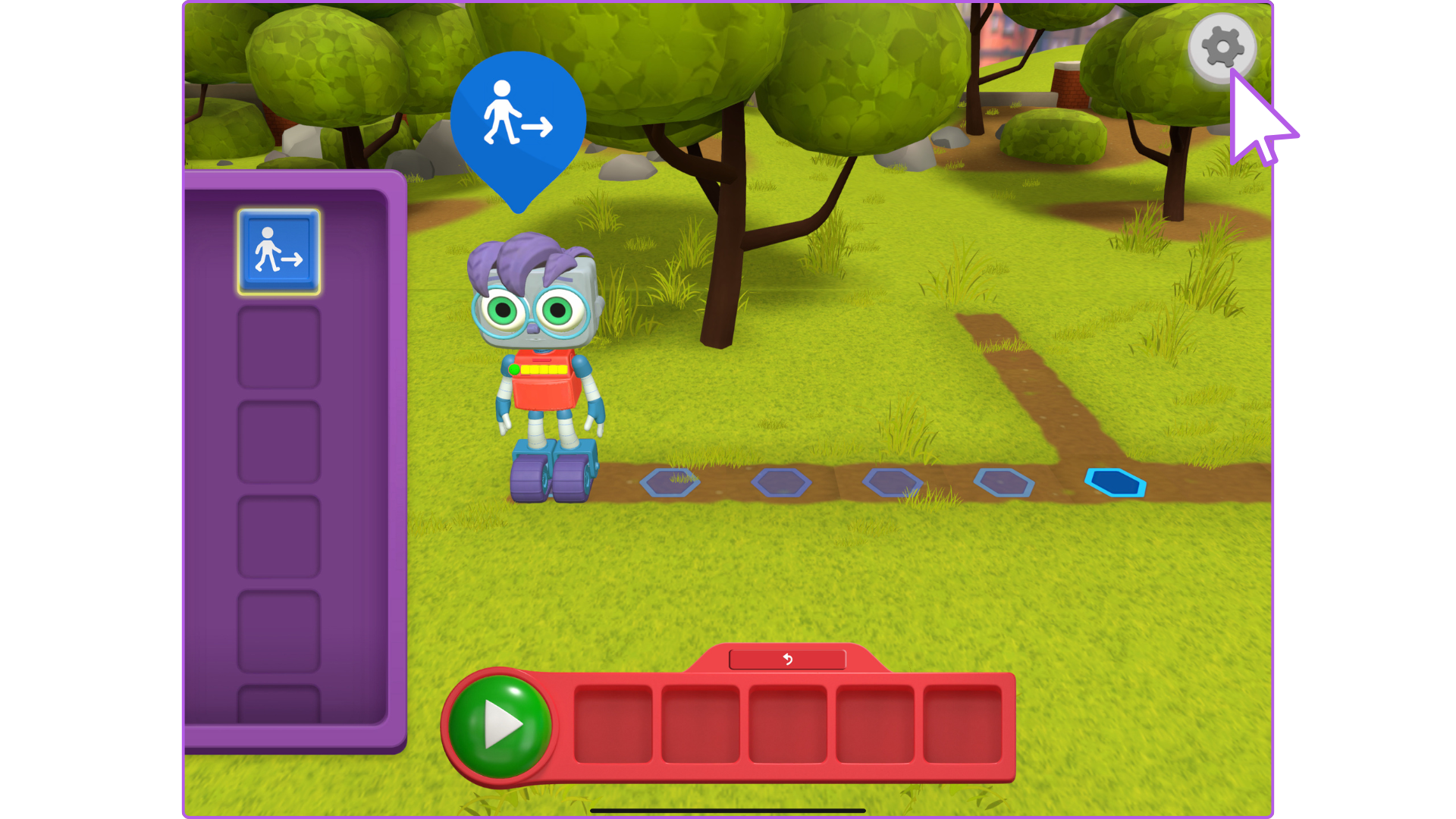
Step 2: Click the Gear Icon
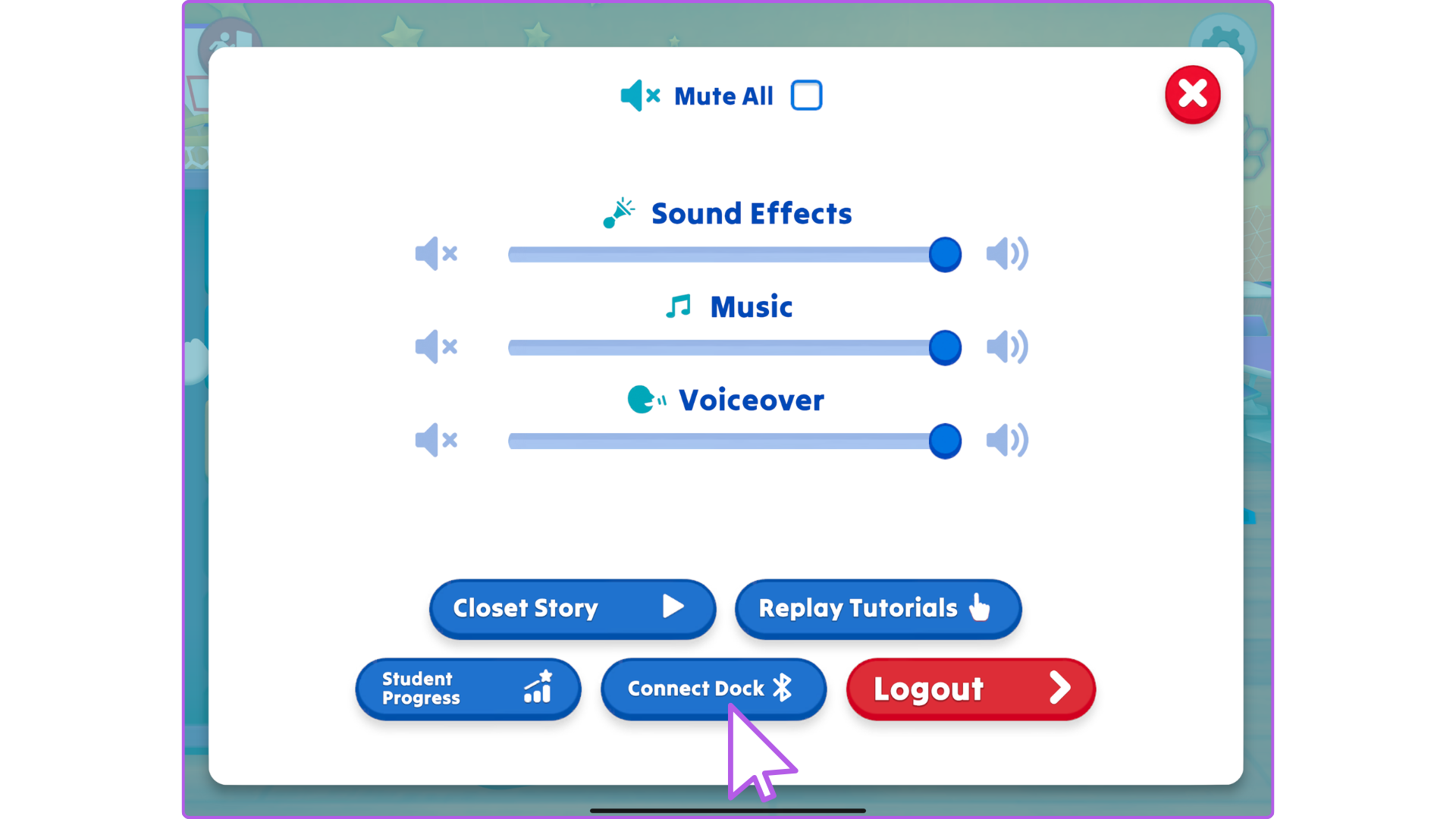
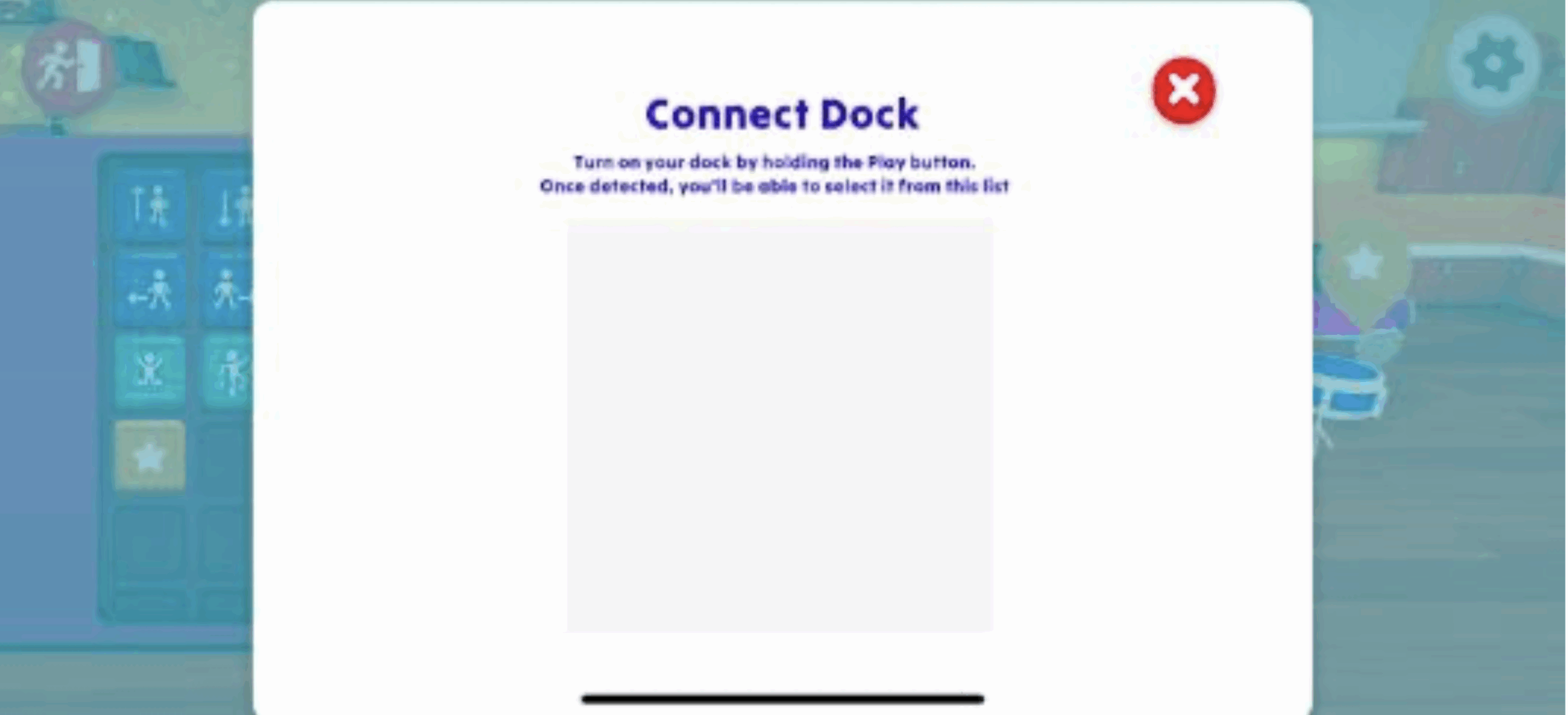
Step 3: Click "Connect Dock"
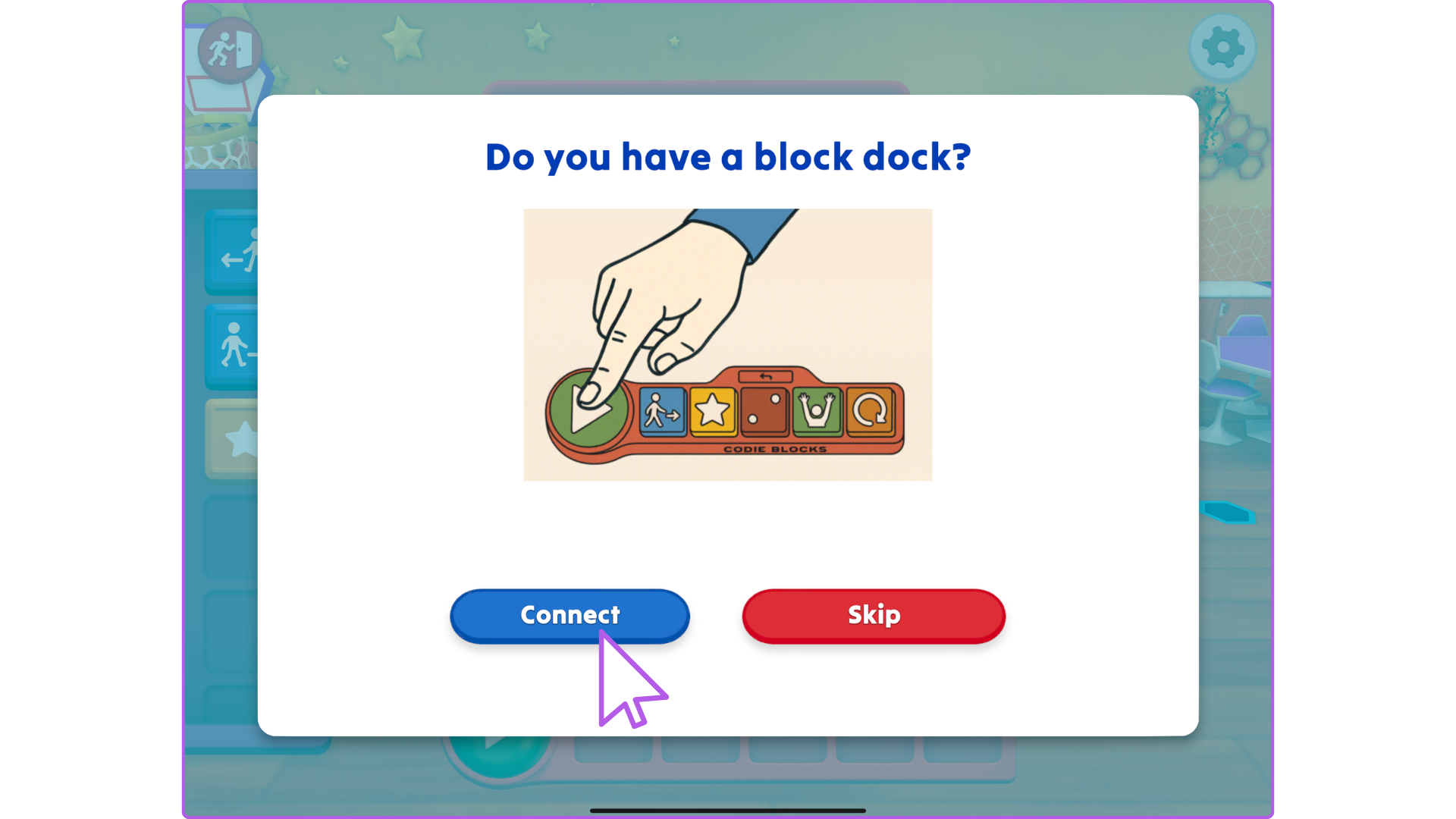
Codie Blocks may ask your permission to use Bluetooth. When it does, click Allow
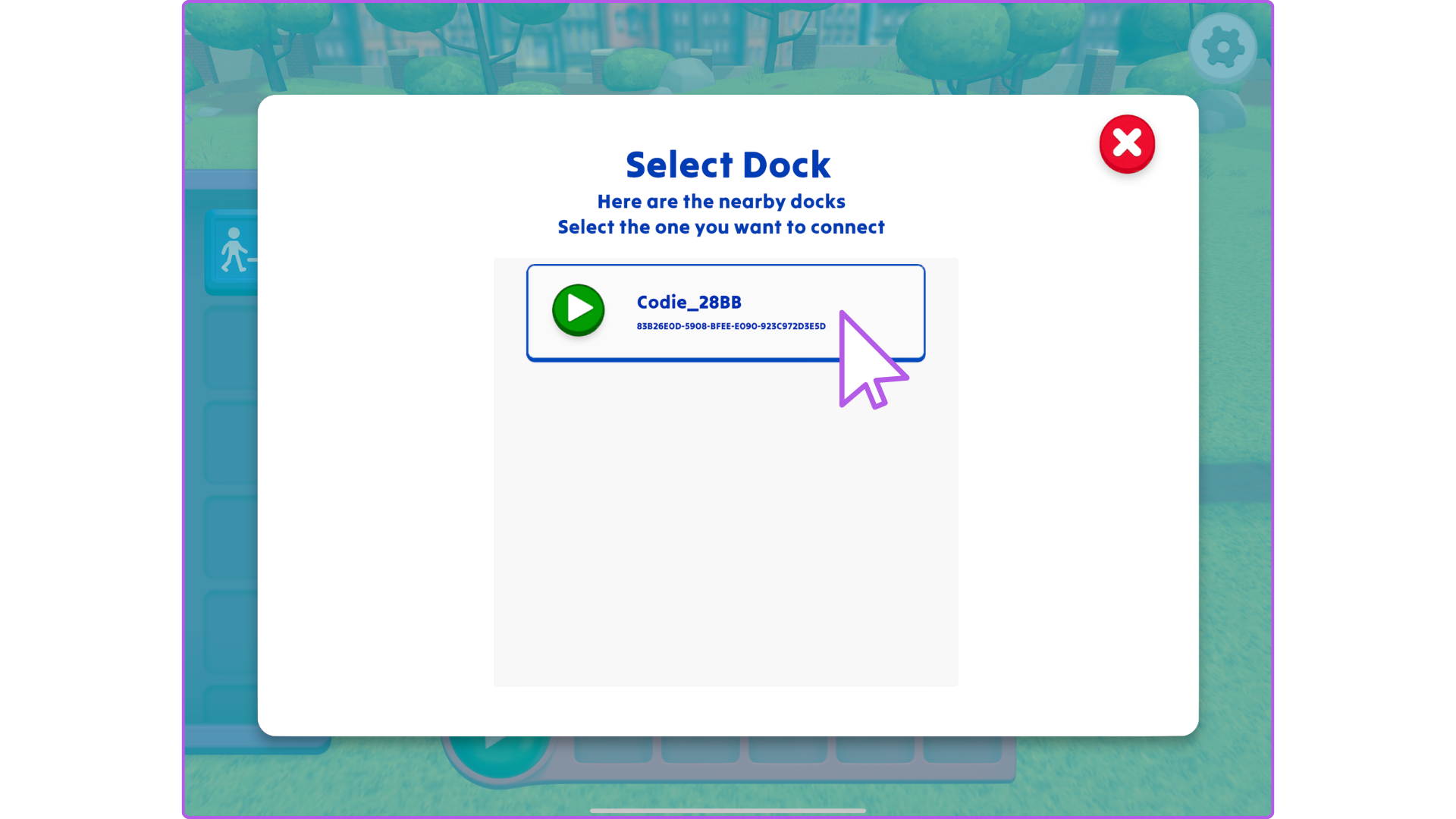
Step 4: Select your Block Dock from the List
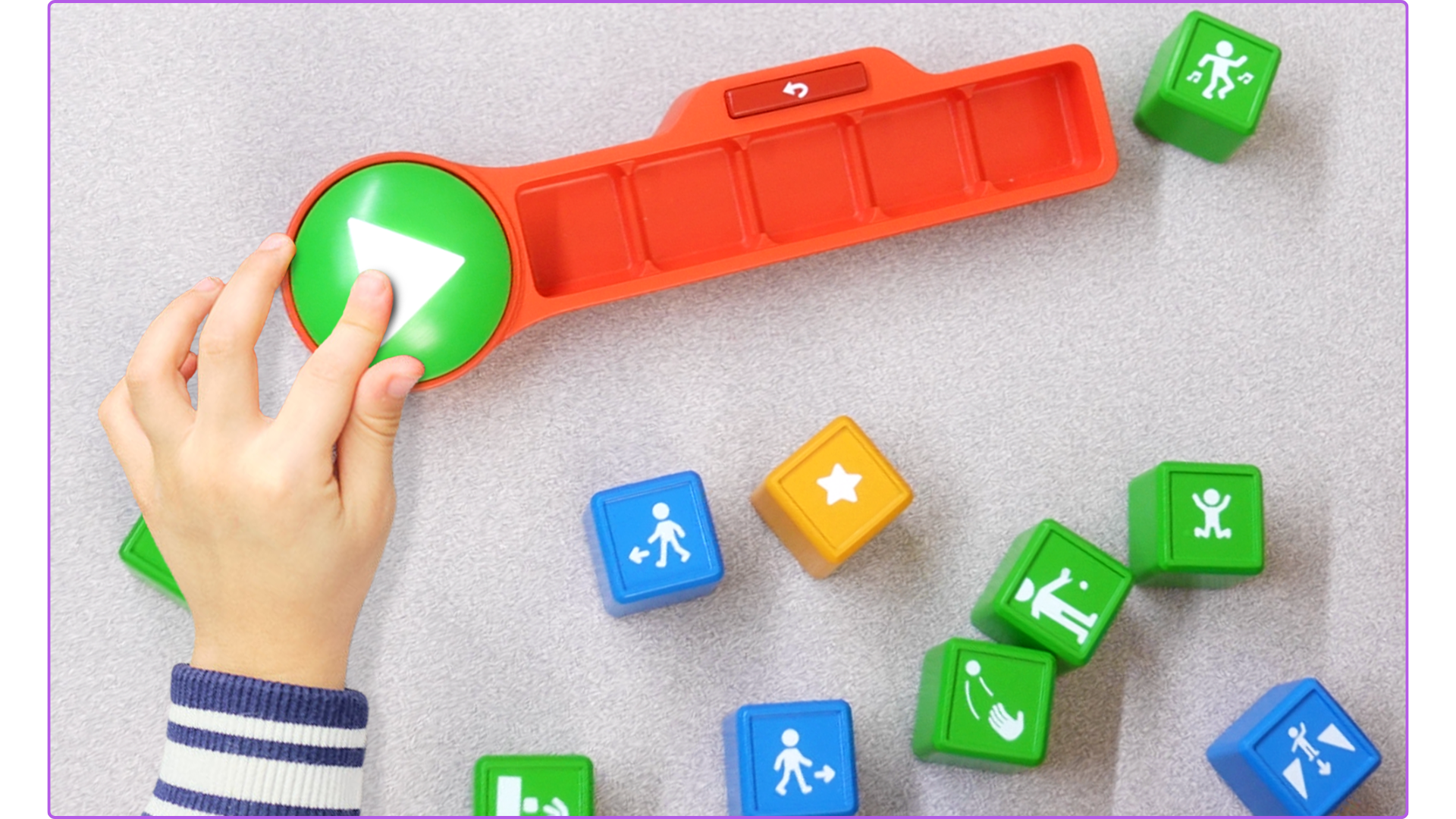
If you don't see your Dock, press the green Play button on the physical Block Dock until it blinks
Step 5: How to know your Dock-n-Blocks are connected?
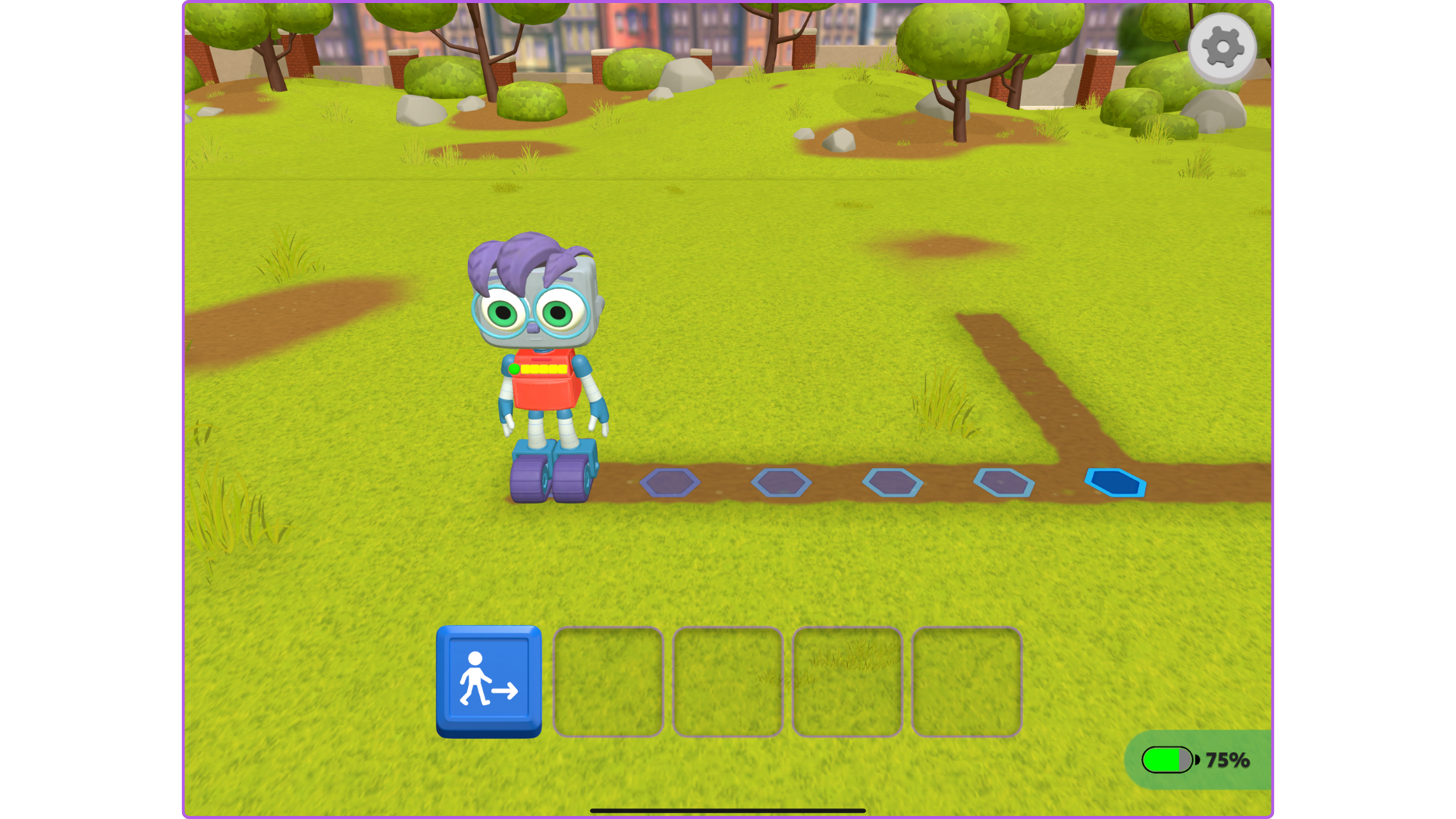
- You will briefly see a Connected badge on the bottom right.
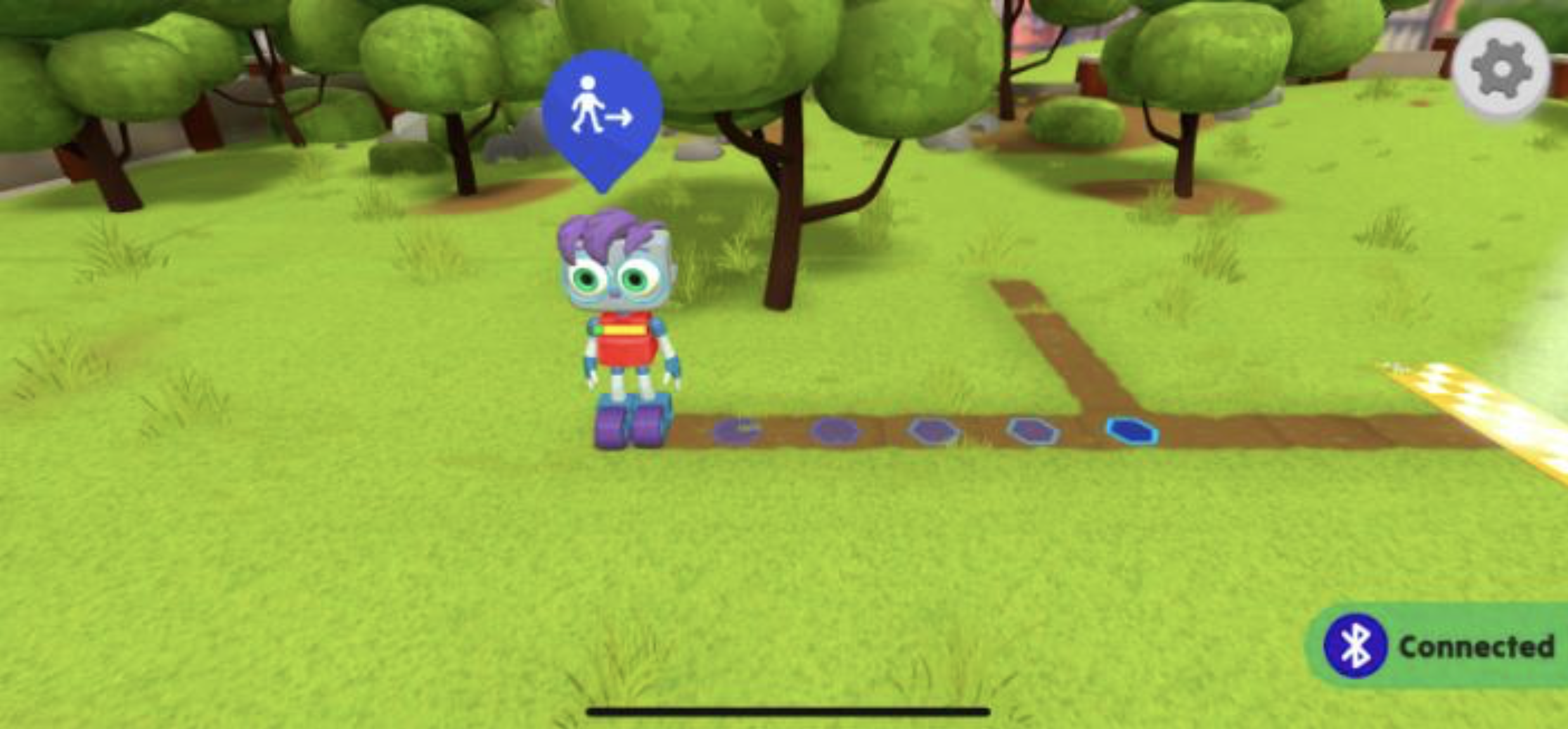
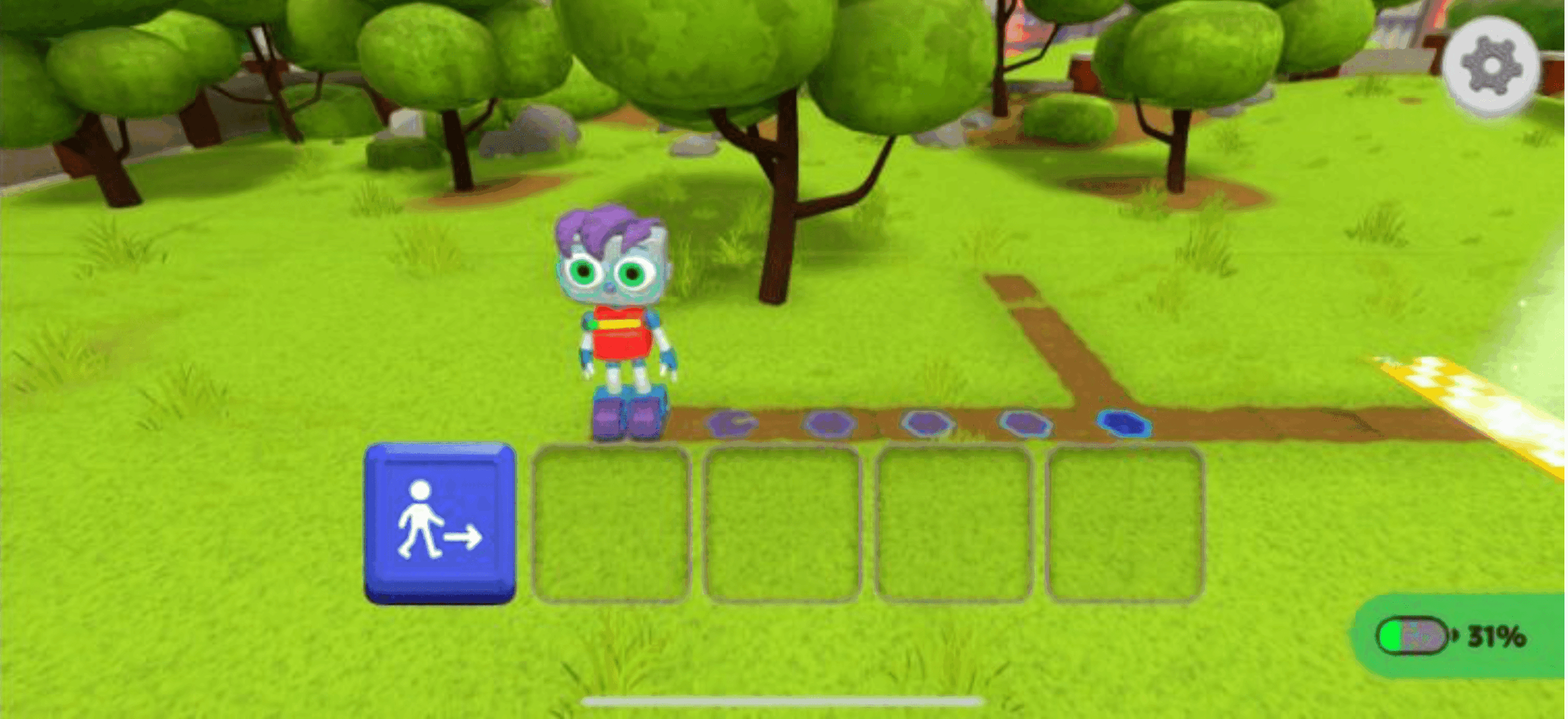
- You will see an outline of 5 spots in the Block Dock on the screen instead of the virtual dock.
- You will also see a charge indicator on the bottom right (indicating the charge of the Block Dock and not the device).
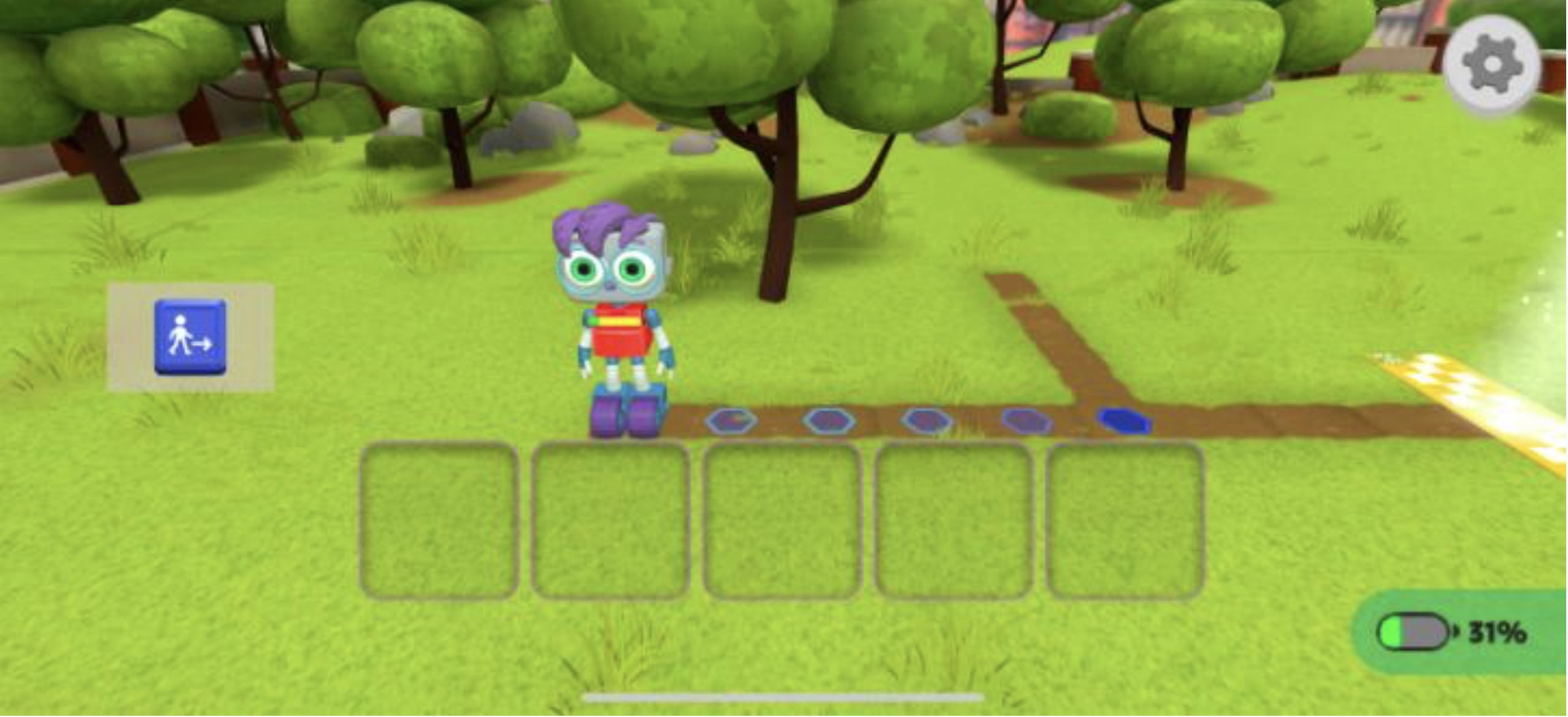
- When you put a Block into the Block Dock, that Block will also appear in the corresponding spot on the screen.
Disconnecting the Dock-n-Blocks
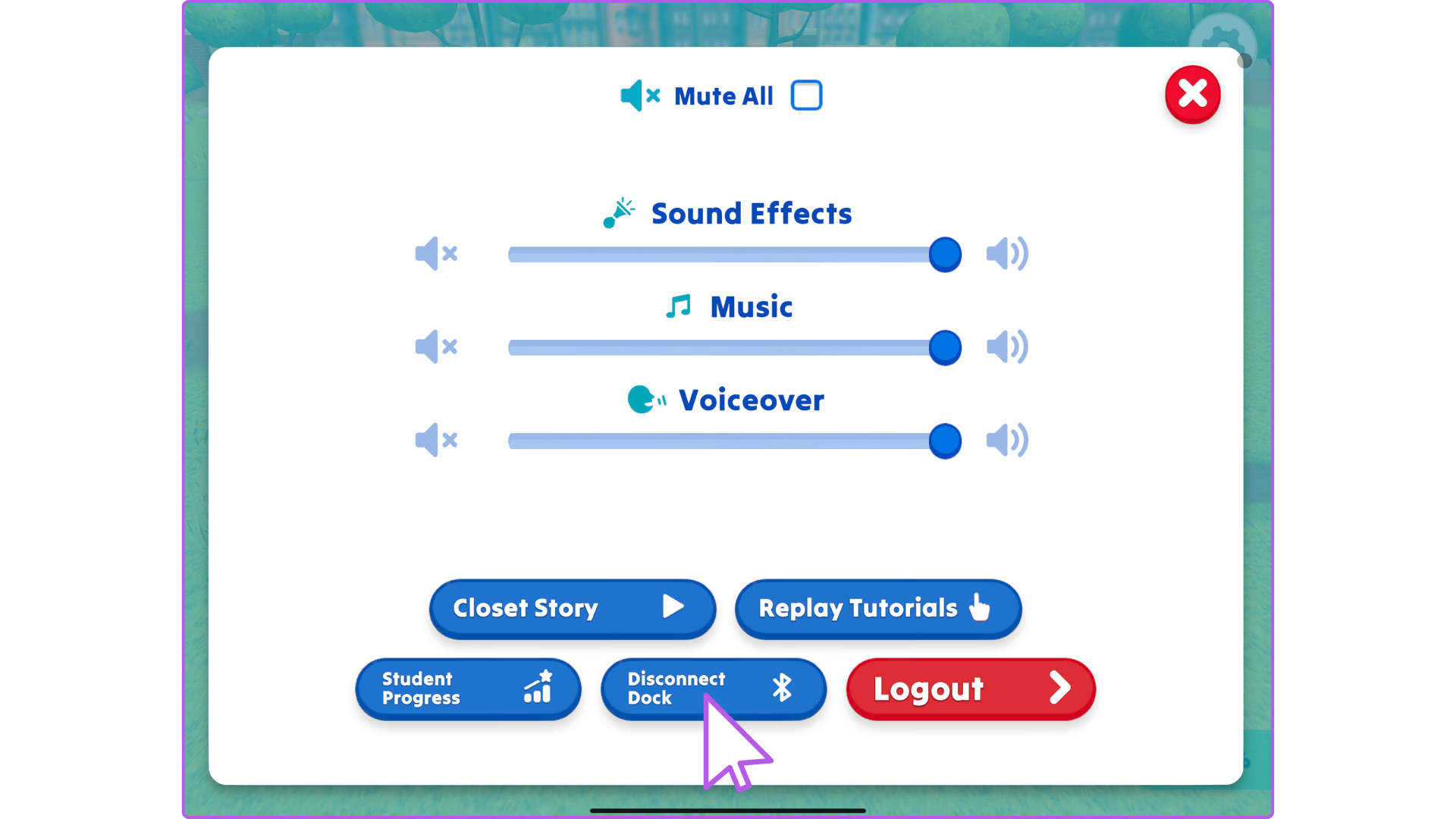
Step 1: Click the Gear Icon, then click Disconnect Dock
Step 2: How to know if the Dock is Disconnected
- You will briefly see a Disconnected badge on the bottom right.
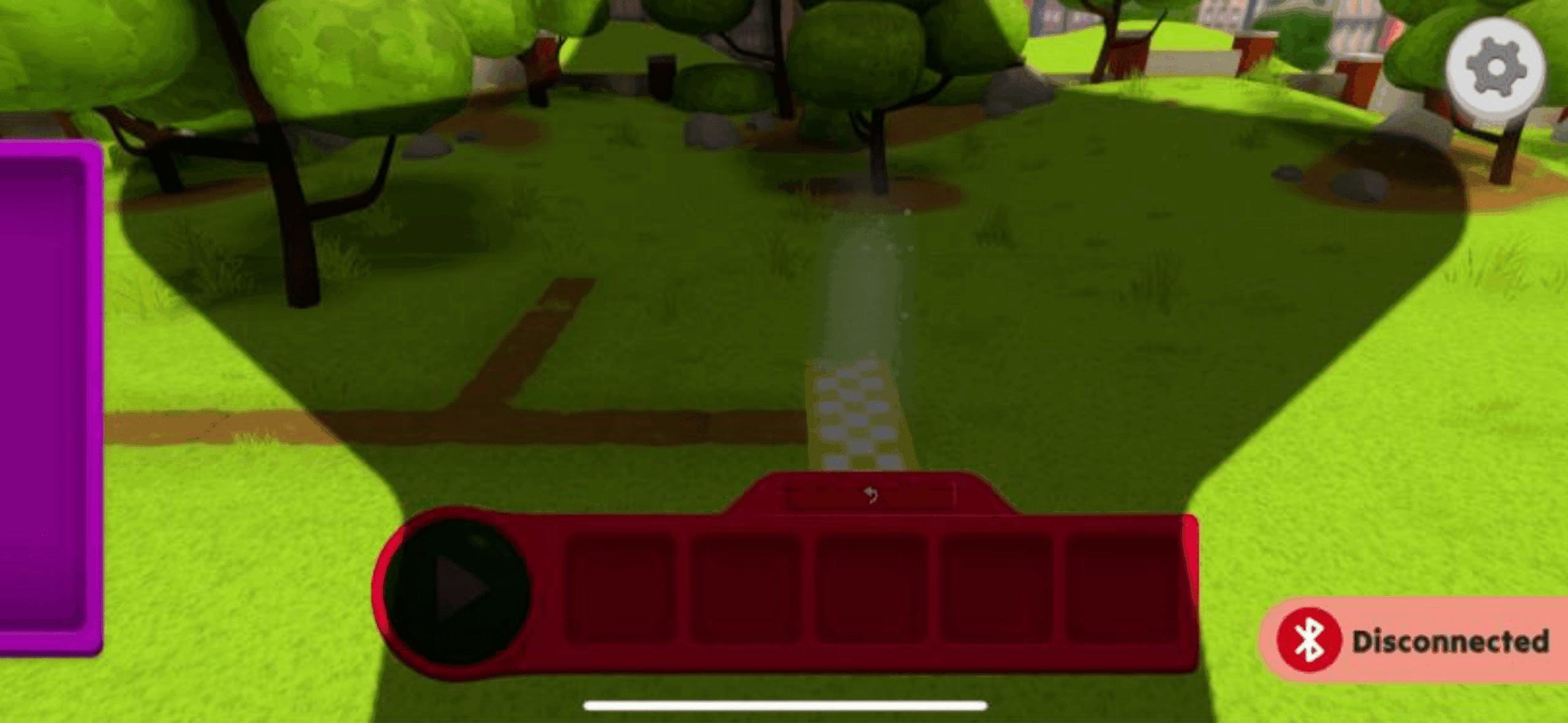
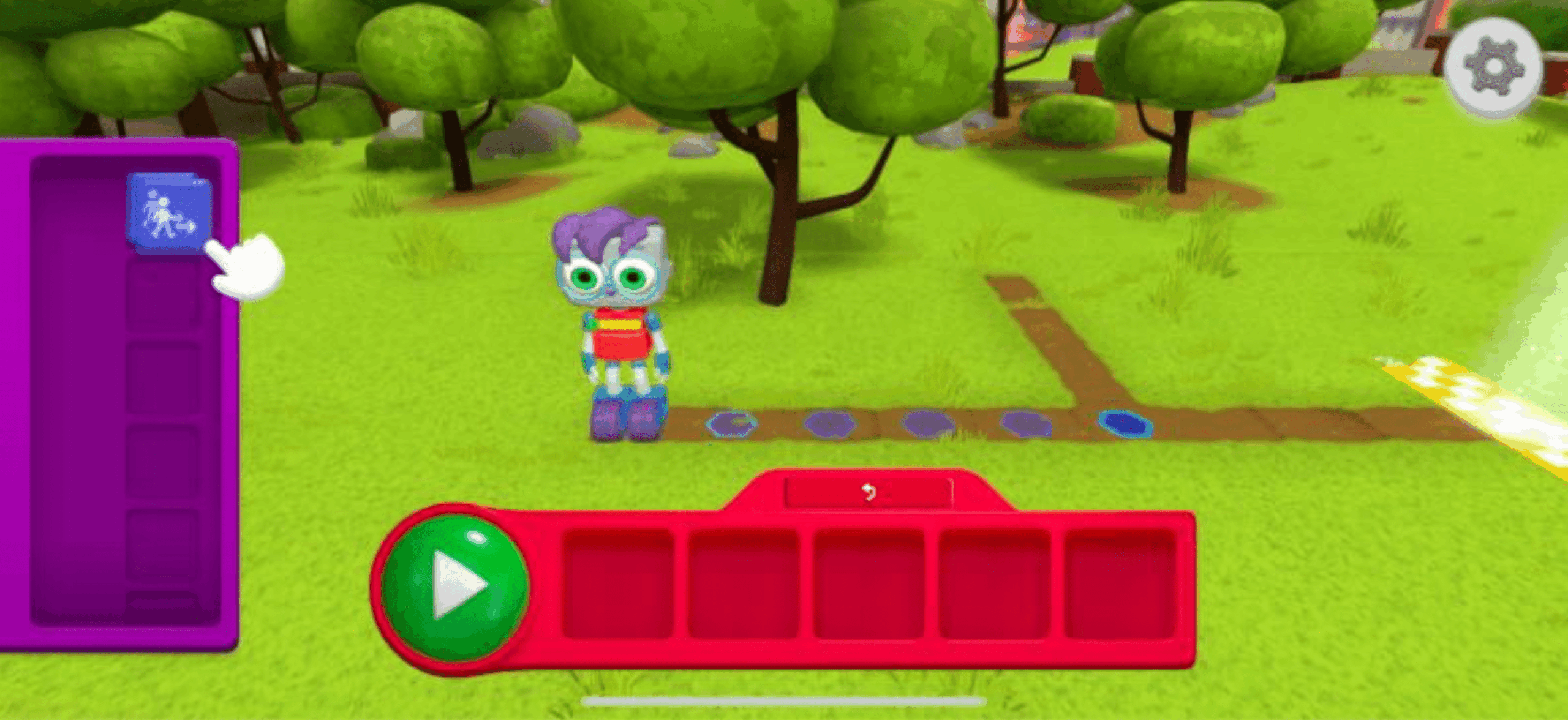
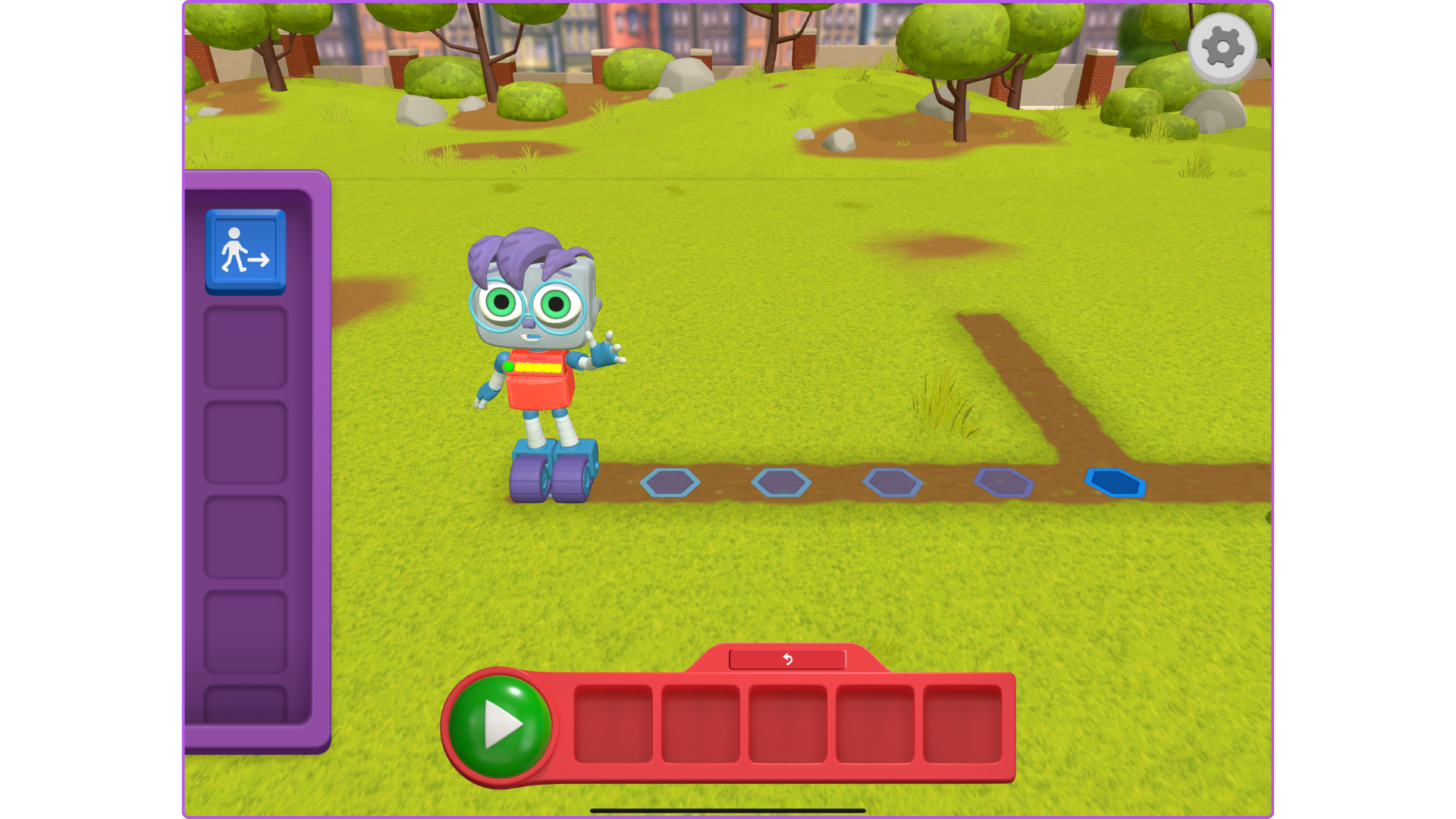
- Then you will see the virtual Dock on the screen
Troubleshooting and FAQs
-
- How can you tell if the Dock-n-Blocks is Connected?
CONNECTED
DISCONNECTED
-
- What if the Block Dock doesn't show up in the list when I click Connect Dock?
-
- Make sure the dock is on by pressing the green Run button on the dock for 3 seconds until it blinks. If the button doesn't blink after 3 seconds the Block Dock may need to be charged.
-
- What if the Block Dock doesn't show up in the list when I click Connect Dock?