
How to Use an ESA Account for Codie Blocks
Trusted By:




Advantages for using an ESA account for your homeschooling include:
Tax Benefits

ESAs are often tax-deferred and federally tax-free. This means families can stretch their education dollars even further leading to meaningful savings over time.
Flexible Use
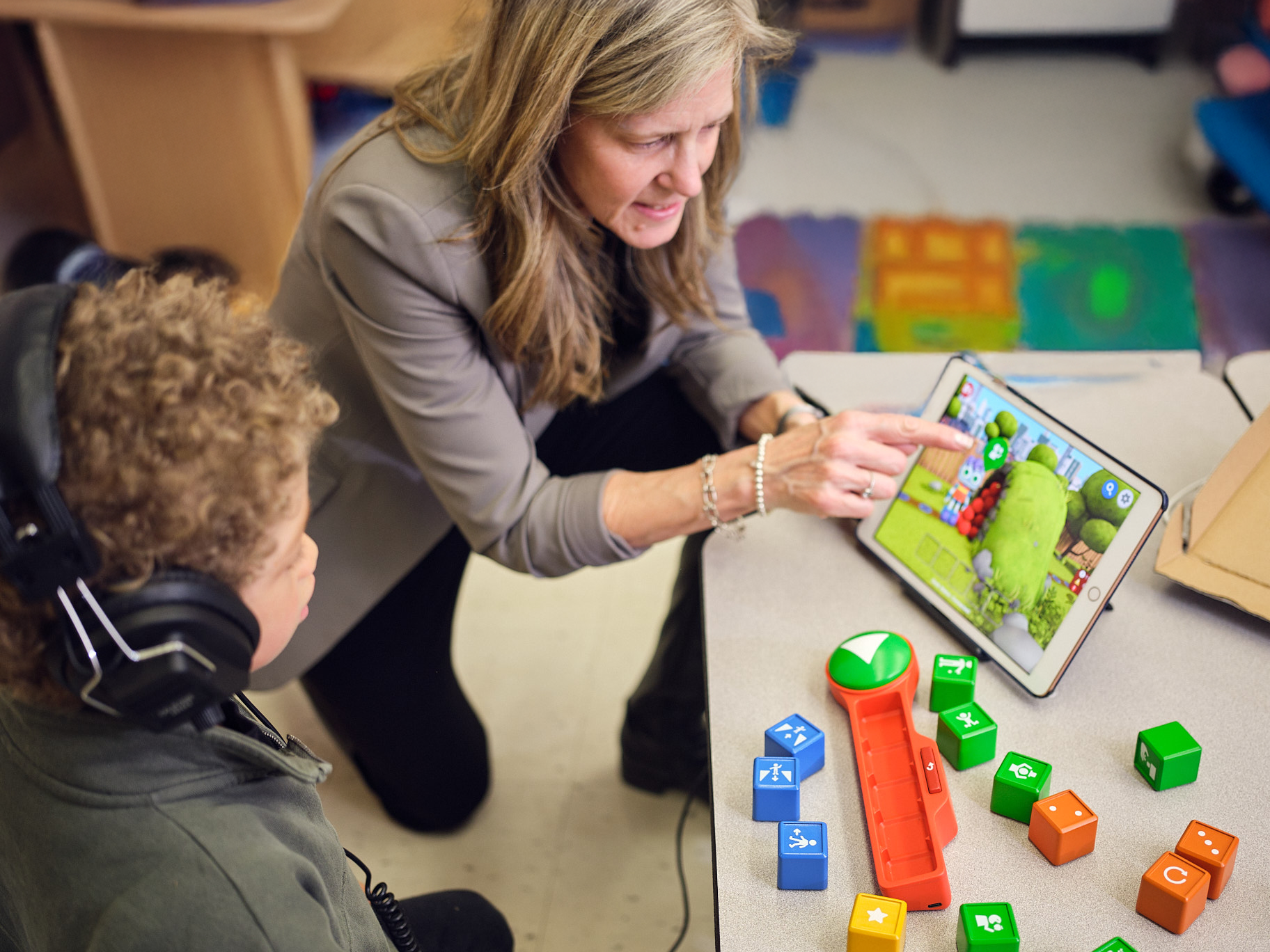
They can be used for a wide range of education costs like online curriculum, tuition, books, tutoring, or even special learning supports.
Personalized Education
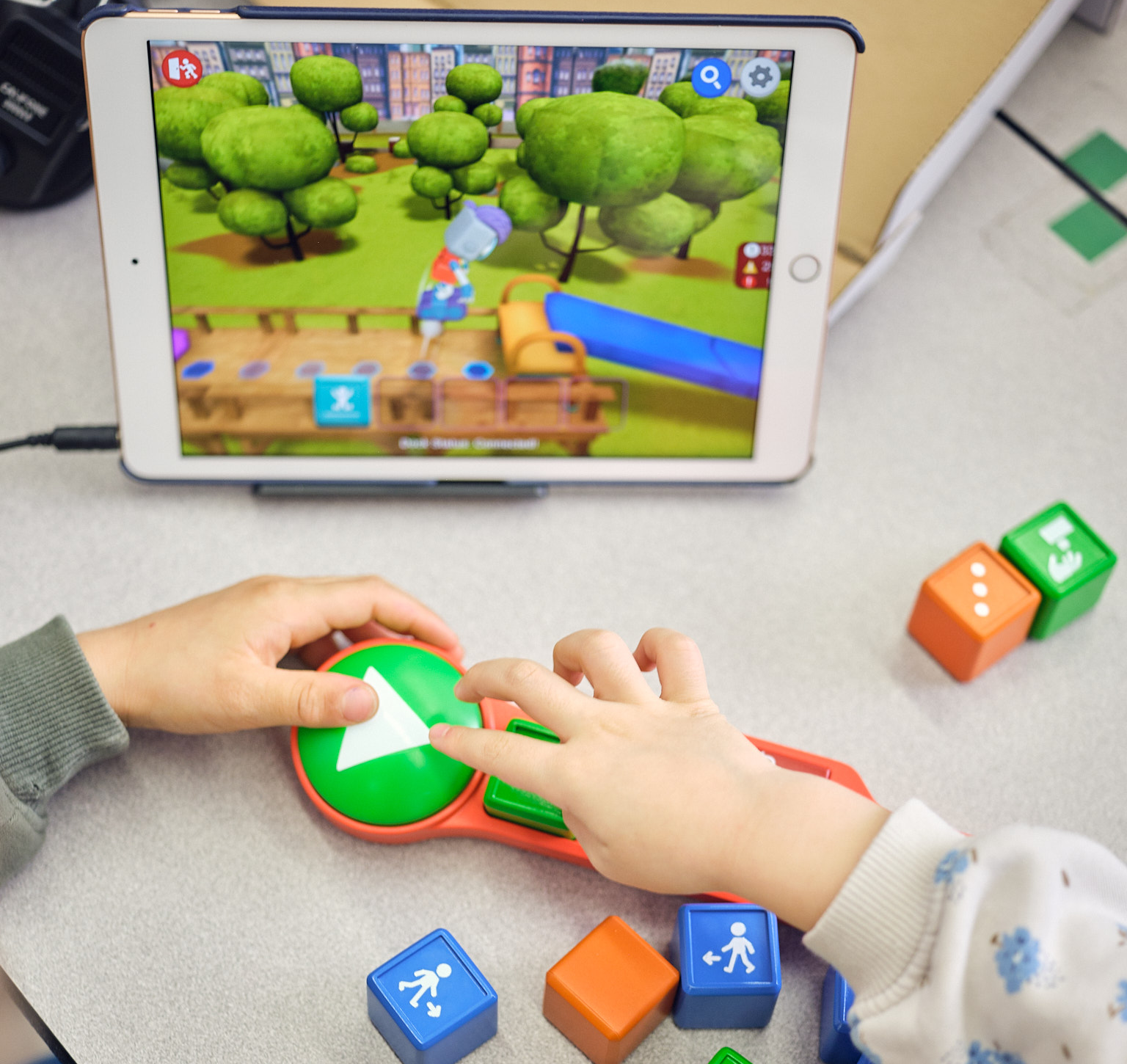
Families can shape their child’s education to match their unique interests, needs, and learning style.
Eligible States
Codie Blocks is approved—or eligible for reimbursement—through education programs and scholarships in the states listed below. Find your state below to learn more about how you can apply.
In Arizona, families can apply for a Education Service Provider Account and purchase Codie Blocks with their funds through ClassWallet.
In Arkansas, families can apply for the Arkansas Children's Educational Freedom Account Program and purchase Codie Blocks with their funds through ClassWallet.
In Louisiana, families can apply for the LA GATOR Scholarship Program and use their funds to purchase Codie Blocks in Odyssey's Marketplace.
In New Hampshire, families can apply for the Education Freedom Account Program and purchase Codie Blocks with their funds through ClassWallet.
In Utah, families can apply for the Utah Fits All Program and use their funds to purchase Codie Blocks either through ClassWallet or in Odyssey's Marketplace.
In West Virginia, families can apply for the Hope Scholarship Program and use their funds to purchase Codie Blocks in Student First Technologies's Marketplace.
In Wyoming, families can apply for the Education Savings Account Program and use their funds to purchase Codie Blocks in Odyssey's Marketplace.
Using Your ESA Funds to Purchase Codie Blocks
Codie Blocks is an approved ESA vendor, and families can use their education savings account (ESA) funds to purchase directly through their state’s platform. Here’s how:


How to Use Your ESA Funds with Odyssey Marketplace
Families with ESA funds managed through Odyssey can purchase Codie Blocks directly in the Odyssey Marketplace. The process is simple:
- Log into your Odyssey account using your state’s portal.
- Browse the Marketplace and search for Codie Blocks.
- Select the product you’d like to purchase (such as our Starter Kit or Dock-n-Blocks) and add it to your cart.
- Check out using your ESA funds—no upfront payment required. Odyssey will process the order and pay us directly.
- Receive your order at home.
You don’t have to pay out of pocket or wait for reimbursement—your ESA funds cover the purchase right away through Odyssey.
How to Use Your ESA Funds with ClassWallet
*For Arizona, Arkansas, New Hampshire, and Utah
Families can use their ESA funds through ClassWallet to purchase Codie Blocks through Direct Pay. The process is simple:
To place an order using Arizona, Arkansas, New Hampshire, or Utah ESA funds, please email sales@codieblocks.com letting us know it’s an ESA order and include the following:
- Items you’d like to order
- Child’s name (first and last)
- Shipping address
- State ESA program
Once we receive your order details, we’ll send you an invoice that you can upload into the ClassWallet Direct Pay system using the instructions here.
Once approved, ClassWallet will notify us that your payment has been approved, and we will get the order processed and shipped out to you.
How to purchase homeschool curriculum through Student First Technologies
Once approved, you will receive an invitation to join the Hope Portal (WV). You will have an online digital wallet to use.
Step 1: Log in to the portal and set up your profile. We recommend using the Google Chrome browser.
Step 2: Go to the marketplace.
Step 3: Search for “Codie Blocks”.
Step 4: Purchase directly through the scholarship portal.
Student First Technologies is available in West Virginia.
Request an Invoice
Fill out the information below so that we can send you an invoice that can be used to complete your order.
Note: If you are purchasing for multiple students, please fill out this form separately for each student. ESA programs assign each student a unique identifier, so a separate invoice is required per student. Student’s full name is also required by ESA systems to verify eligibility.